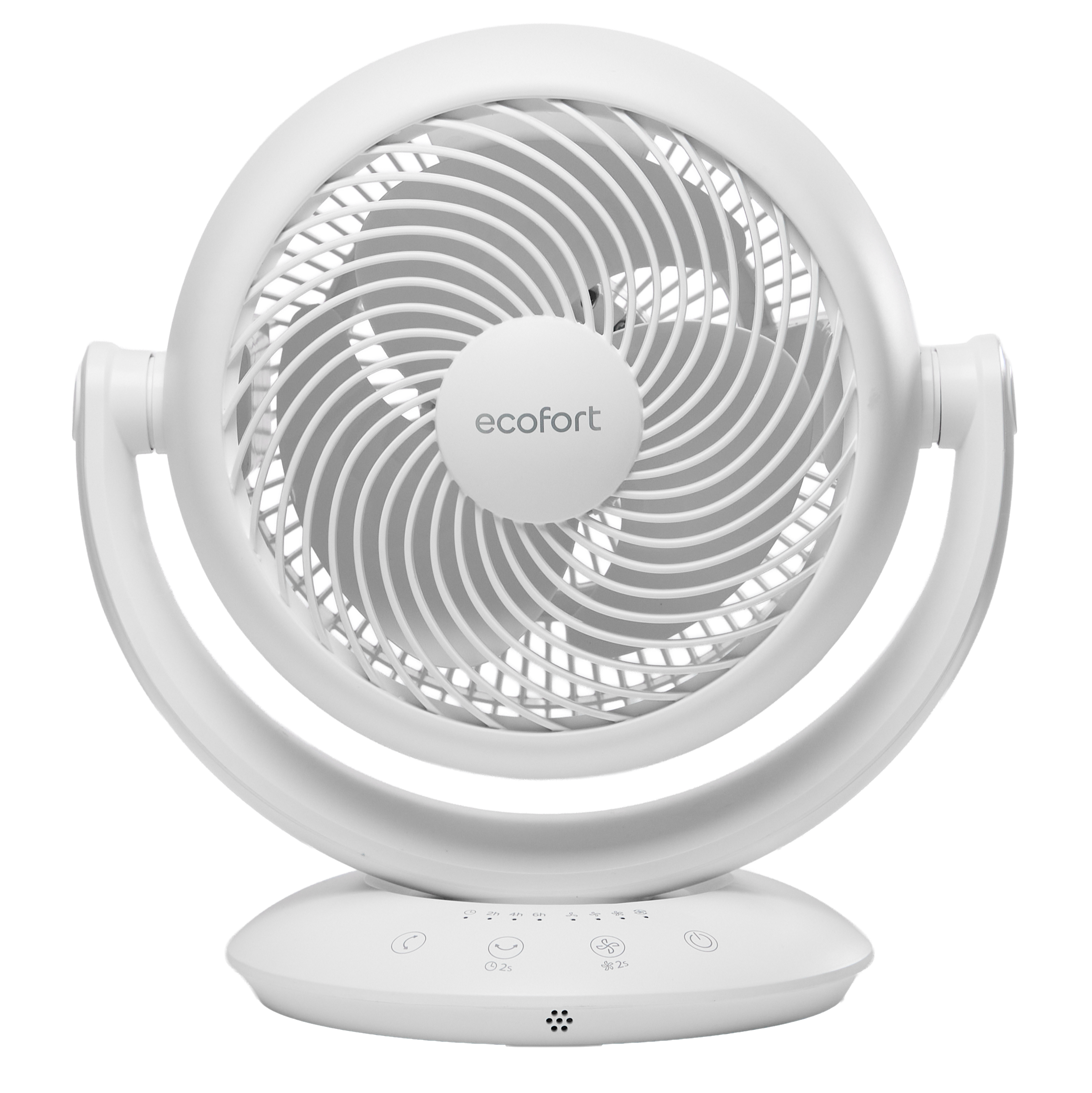
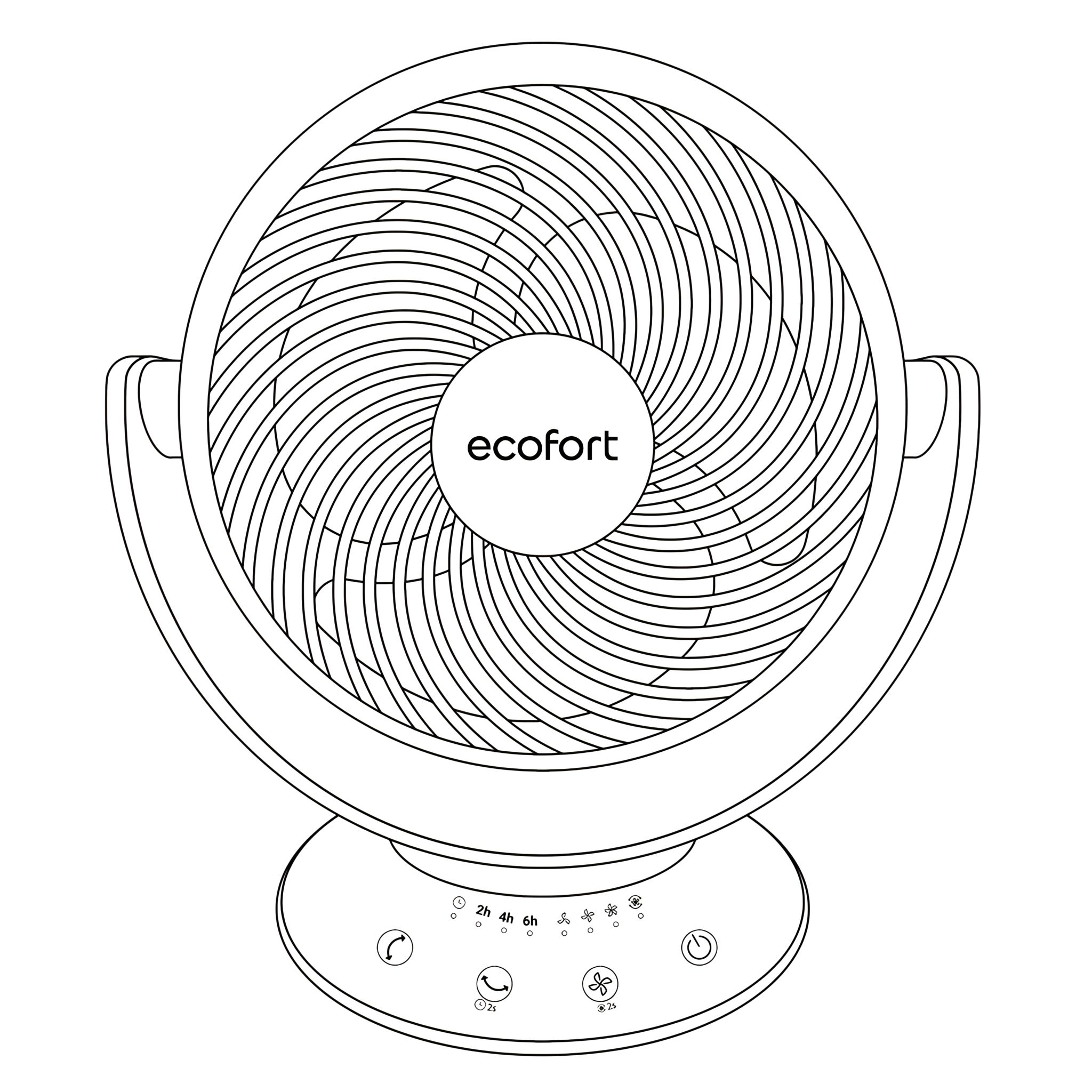
ecoQ SilentAir Pico Step-by-step guide for setting up, operating, and maintaining your ecoQ SilentAir Pico fan. Covers controls, oscillation, timer, cleaning, and safety tips to ensure efficient airflow, reliable performance, and long-term use. -
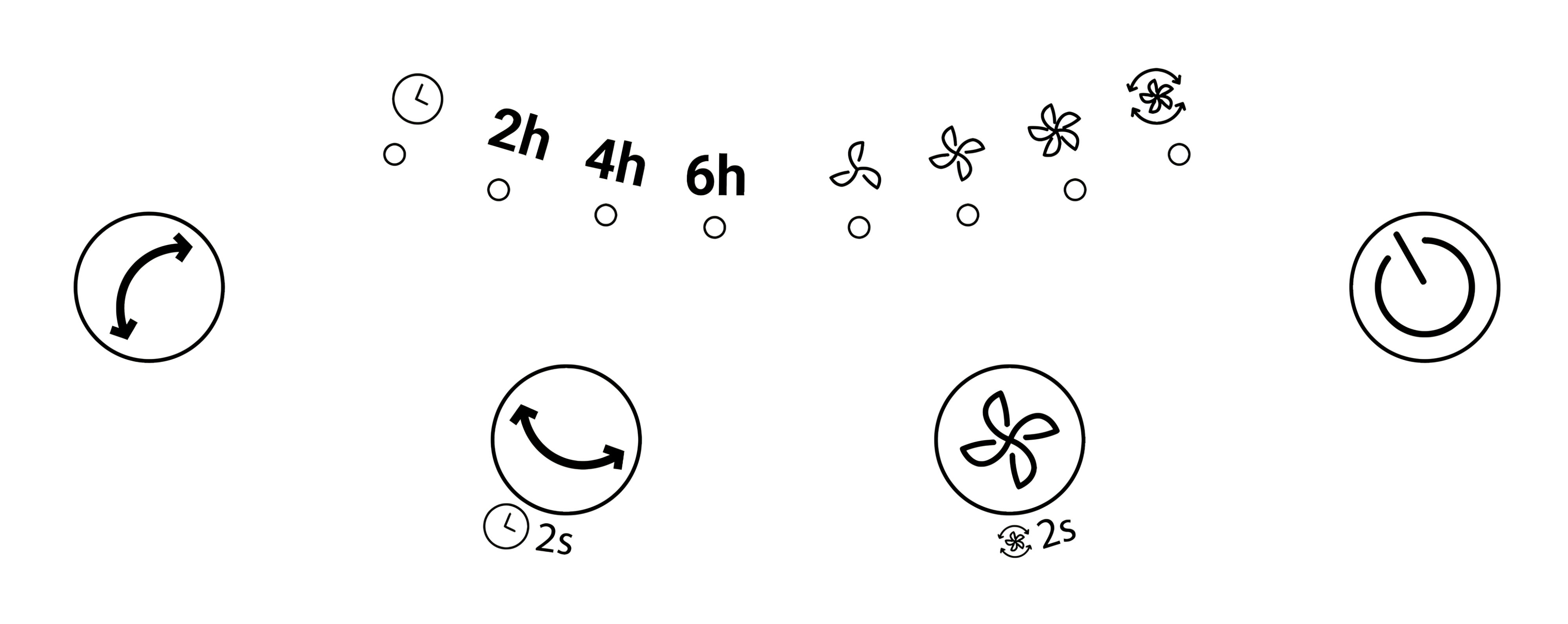
Control Panel Function & Operation 1. Control Panel -
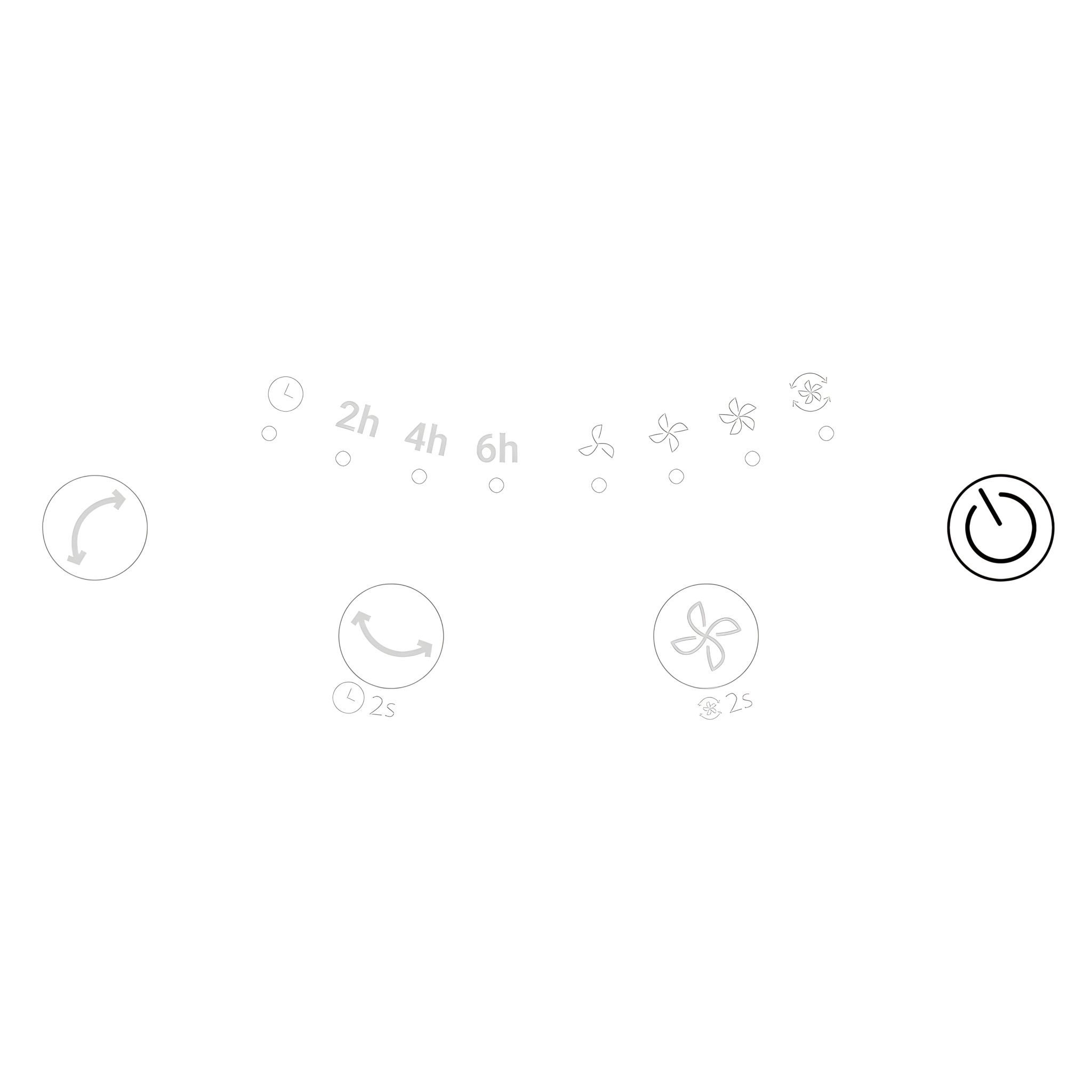
2. Power Plug in the power to enter standby mode; the device will beep once. Touch to turn on the fan.
- On first use, the fan enters Circulation Mode by default.
- When powered on again from standby, the fan resumes the last speed setting used.
- The LEDs turn off automatically 60 seconds after the last button input.
-
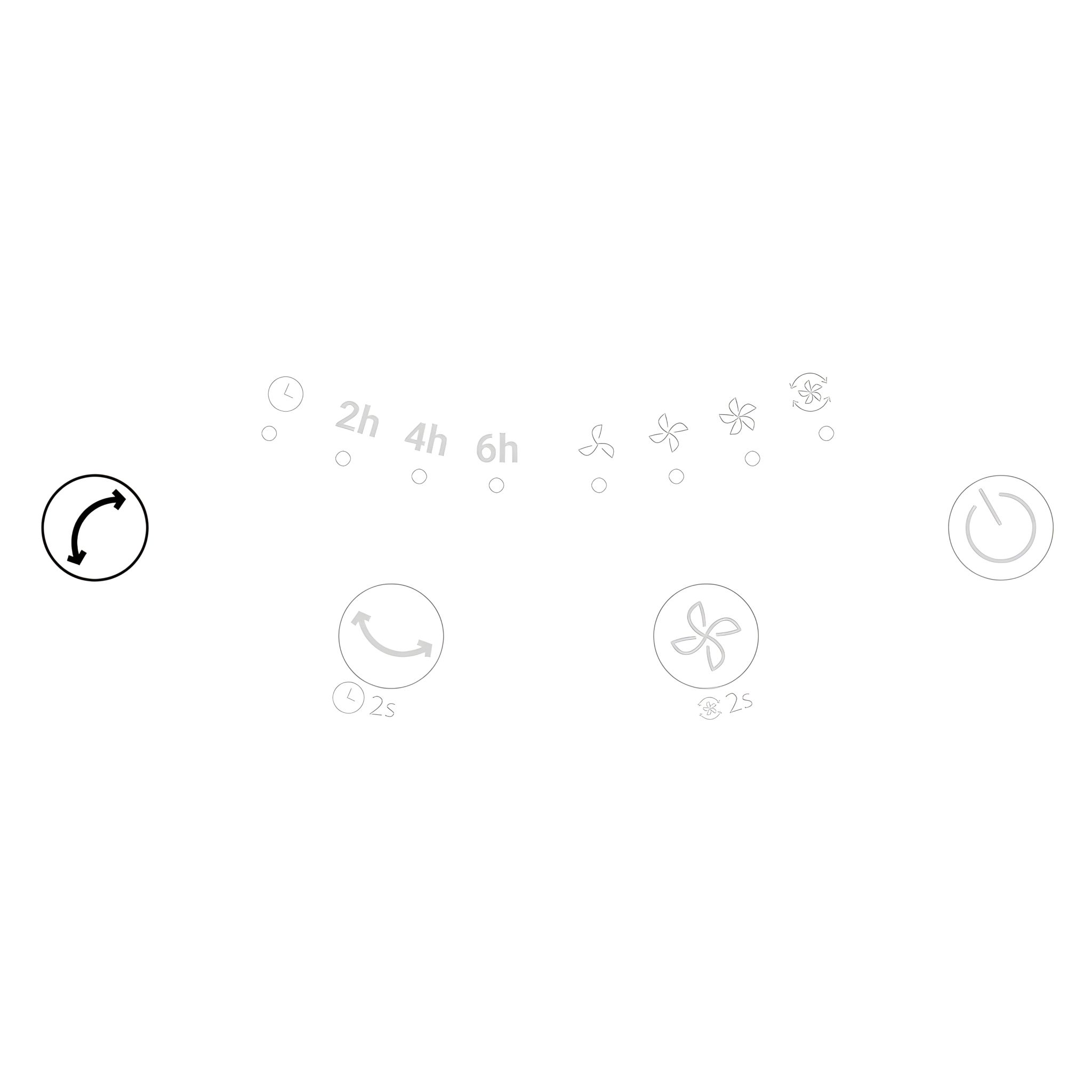
3. Vertical Oscillation
- While operating, touch once to activate vertical oscillation.
- Touch again to deactivate.
- Automatically tilt vertical at 90-degree range.
-
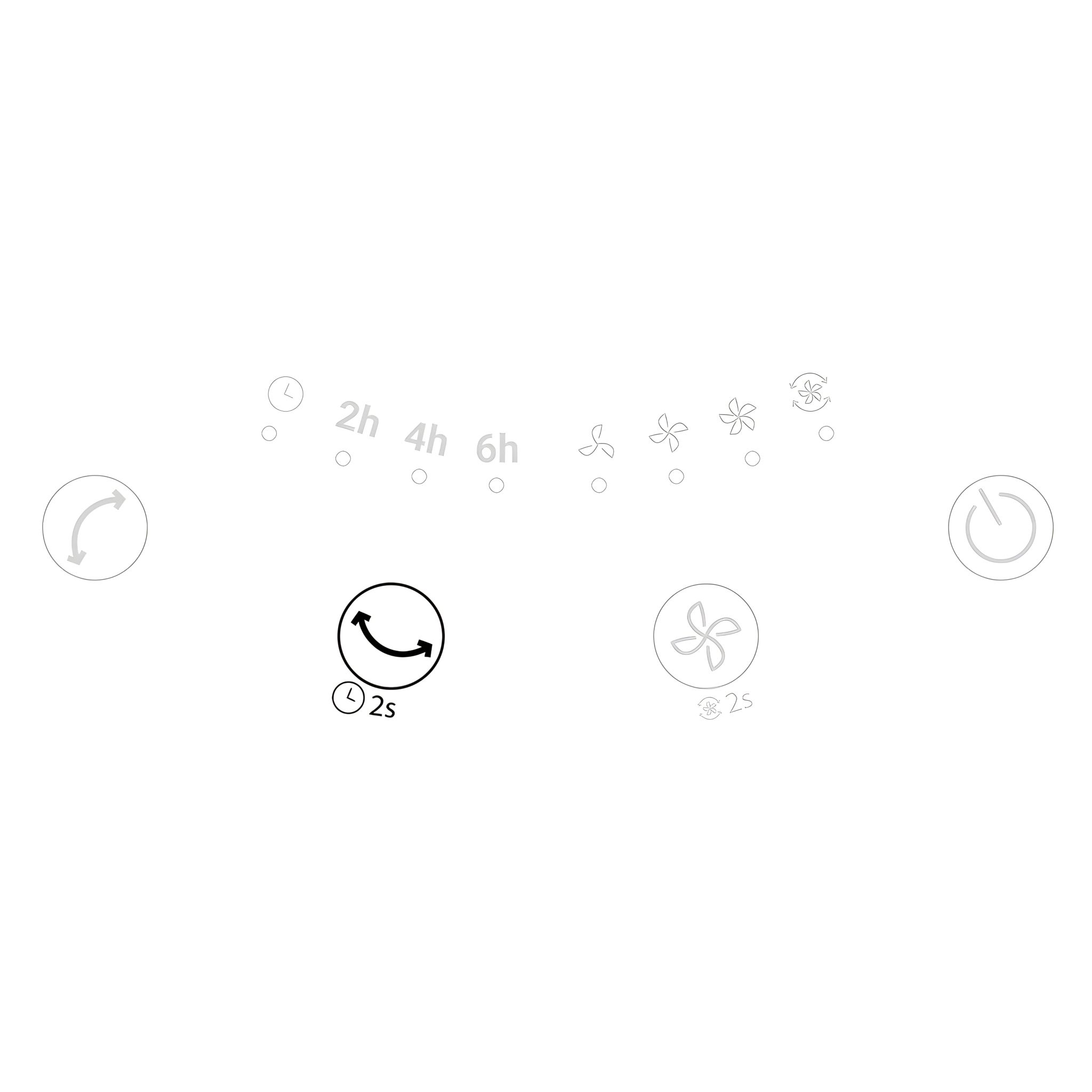
4. Horizontal Oscillation
- While operating, touch once to activate horizontal oscillation.
- Touch again to deactivate.
- The unit swings automatically left to right or right to left within
a 90° range.
-
5. Warning To ensure the longevity of the oscillation motor, do not manually adjust the fan’s vertical angle.
-
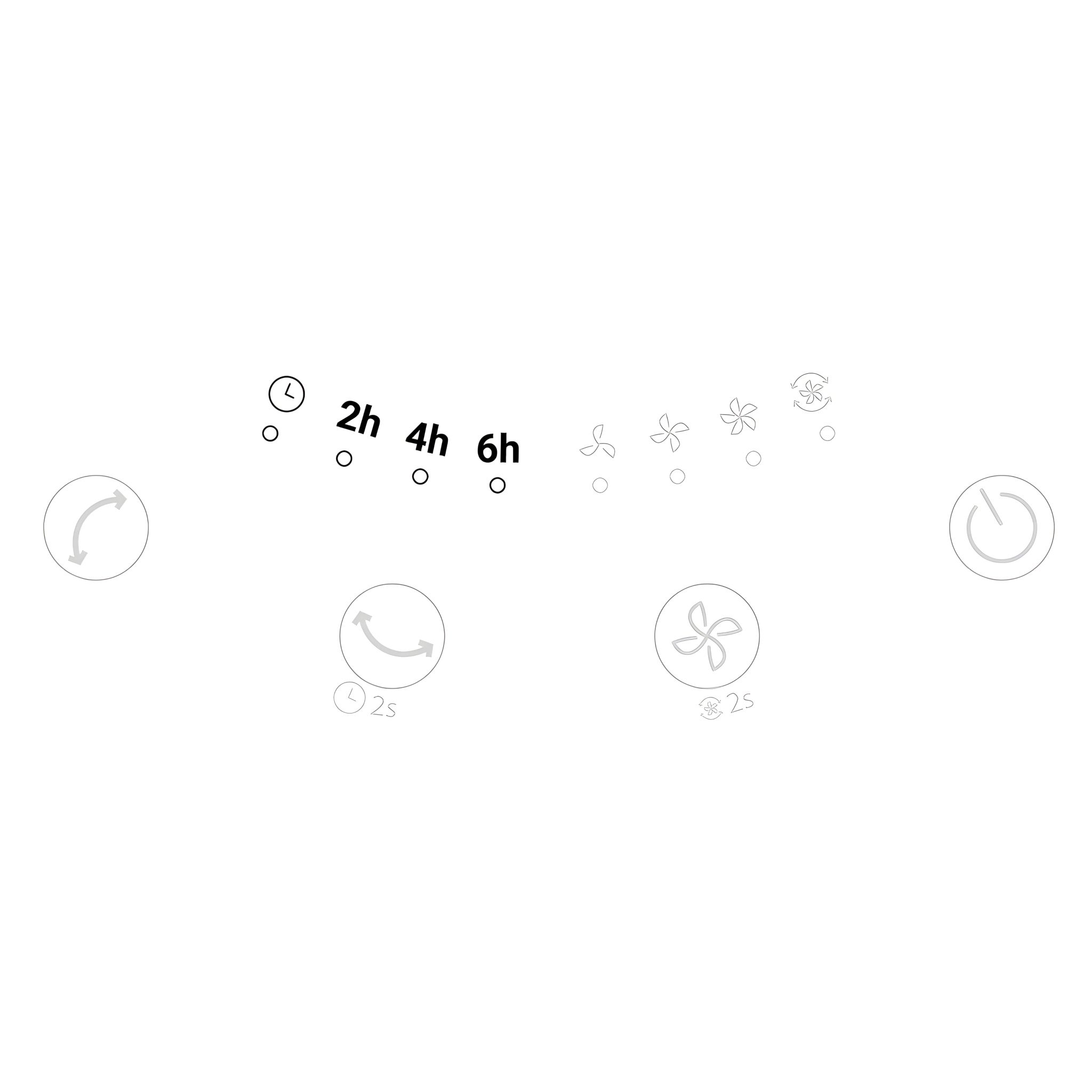
6. Timer
- Timer On – While the fan is operating, touch and hold for 2 seconds to activate.
- Timer Off – In standby mode, touch and hold for 2 seconds to activate.
- Each touch cycles the timer through 2h, 4h, 6h, 8h, 10h, and 12h. The corresponding light will illuminate when the timer is set.
-
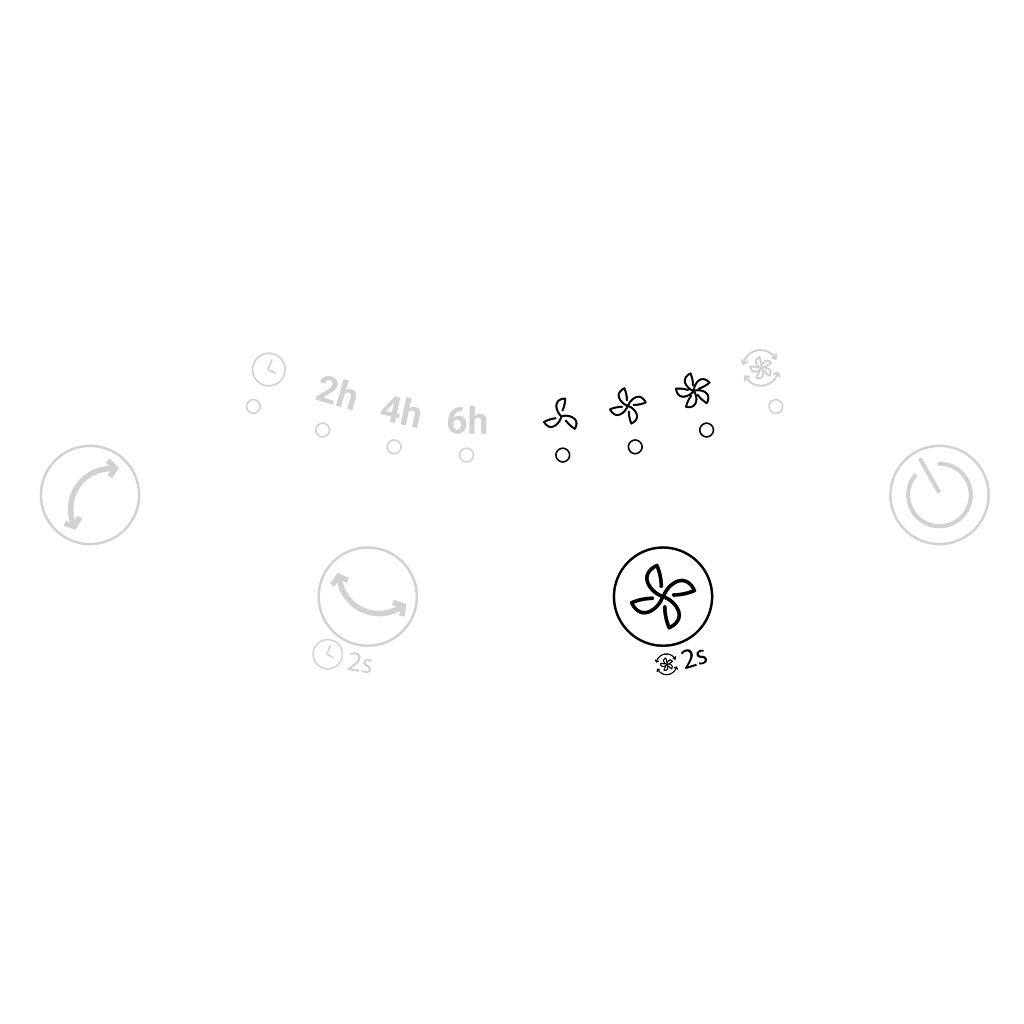
7. Fan Speed (Levels 1–3) While operating, touch to change the fan speed from level 1 to level 3.
-
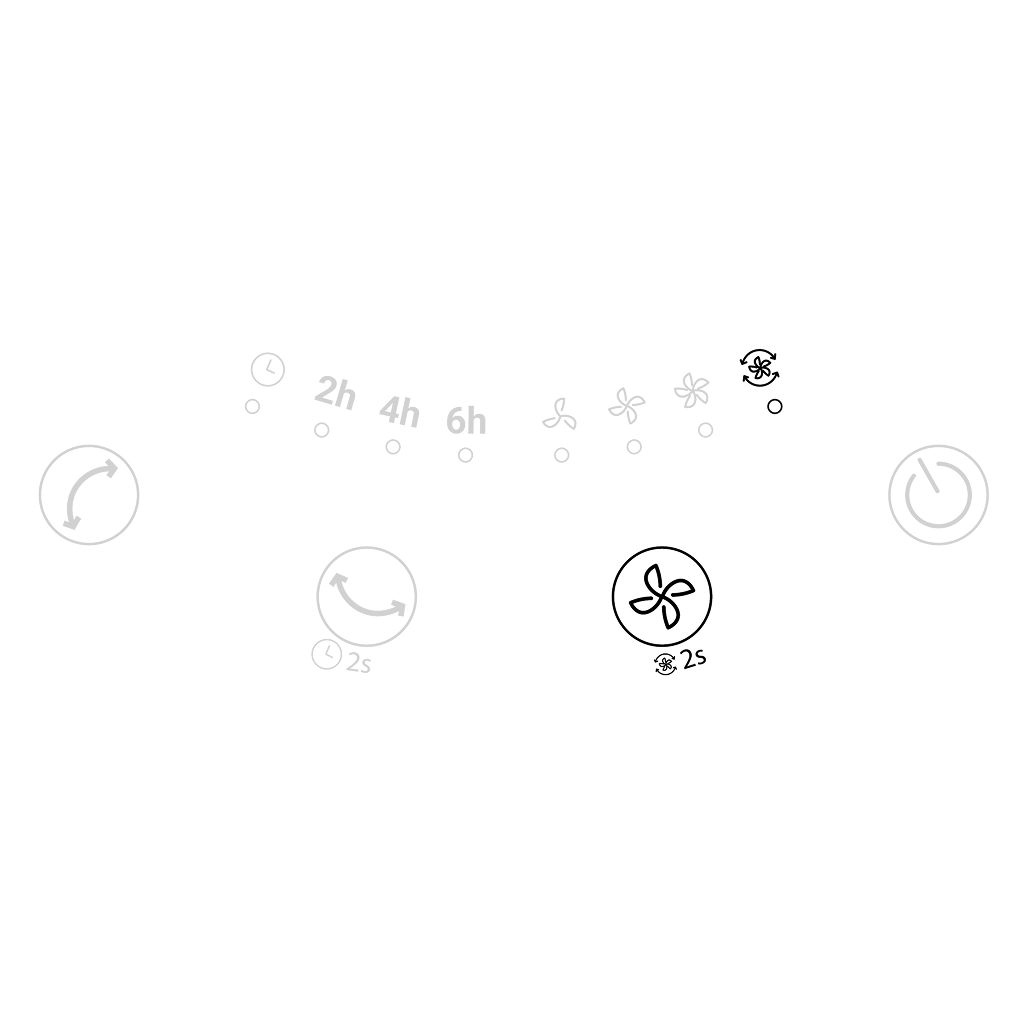
8. 3D Circulation (2s for 3D Circ.)
- While operating, touch and hold for 2 seconds to enter Circulation Mode. In this mode, the fan runs at the highest speed with both horizontal and vertical oscillation activated.
- Touch again to exit Circulation Mode.
-
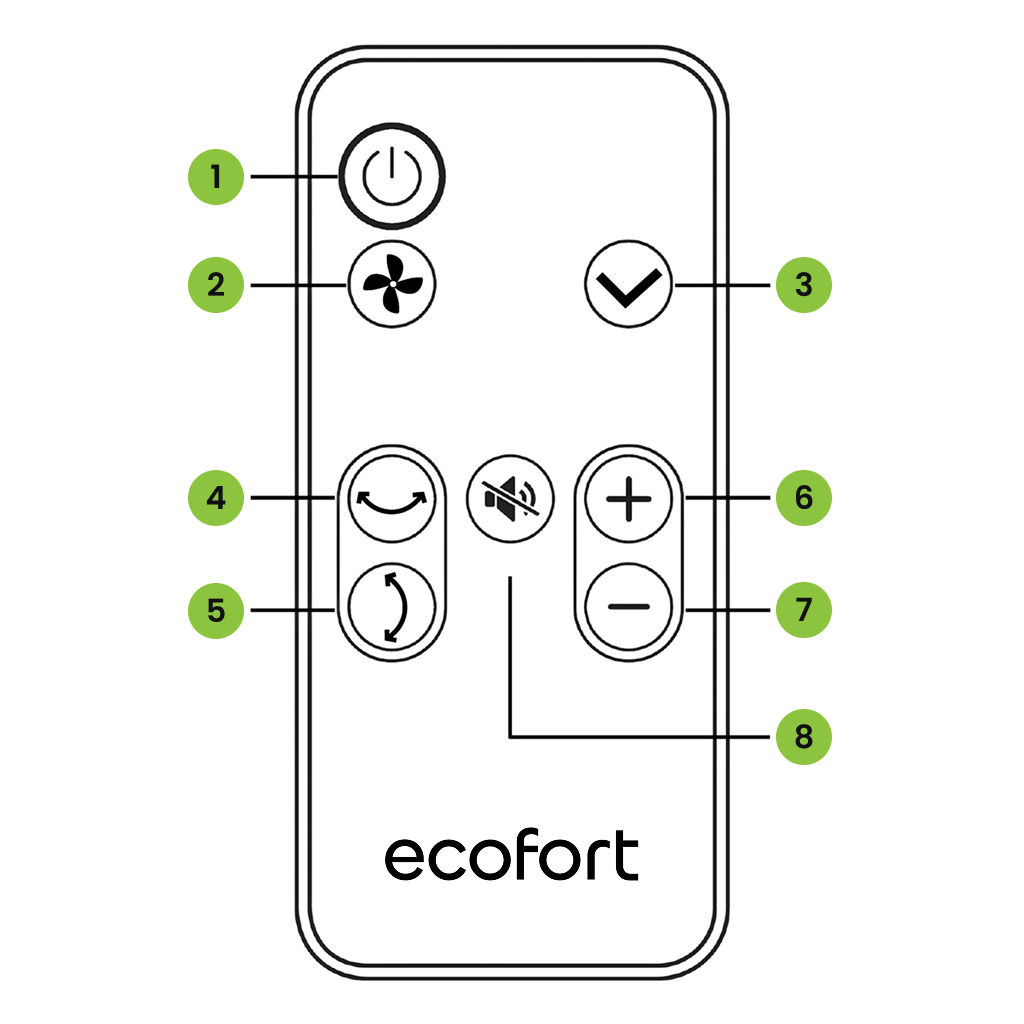
9. Transmitter Function
- Power (On/Standby)
- 3D Circulation
- Timer On/Off
- Horizontal
Oscillation
- Vertical
Oscillation
- Fan Speed
Increase
- Fan Speed Decrease
- Mute Button: Turn off or turn on the fan’s beep sound
-
Maintenance 10. Important Before performing any maintenance work, unplug the fan from the power socket.
-
11. Cleaning
- Use only lukewarm water and mild detergent.
- Wipe with a soft, lint-free cloth. Do not use rough fabrics, as they may scratch the surface.
- To clean between the guards, use a pipe cleaner, flexible dust wand, vacuum cleaner, or compressed air to gently remove dust.
-
12. Warnings Maintenance Safety Warnings
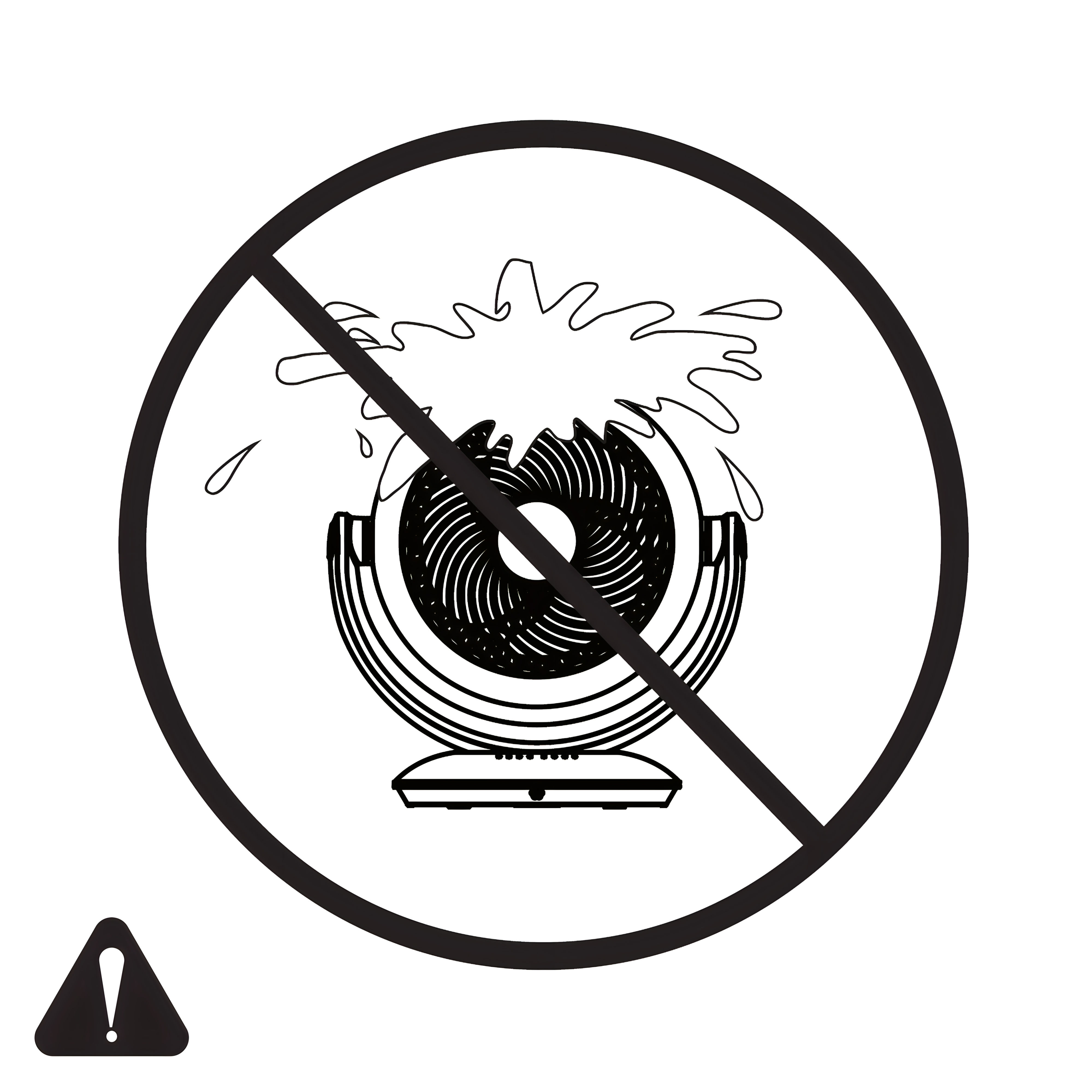
- Do not wet or immerse the motor, switch, power cord, or plug in water.
- Do not use corrosive or acidic solutions to clean the fan.
Electrical Safety Warnings
|
 ecofort.ch