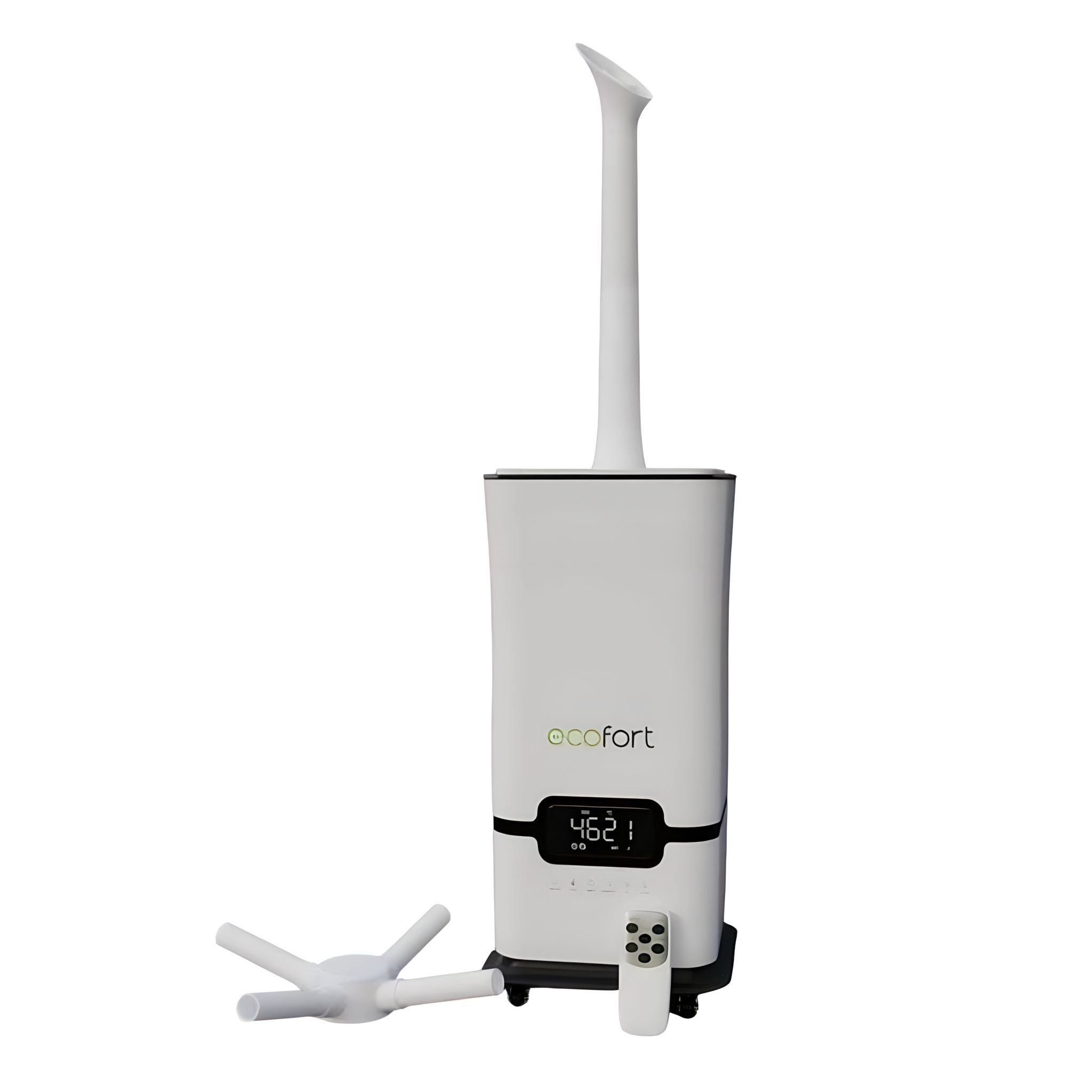
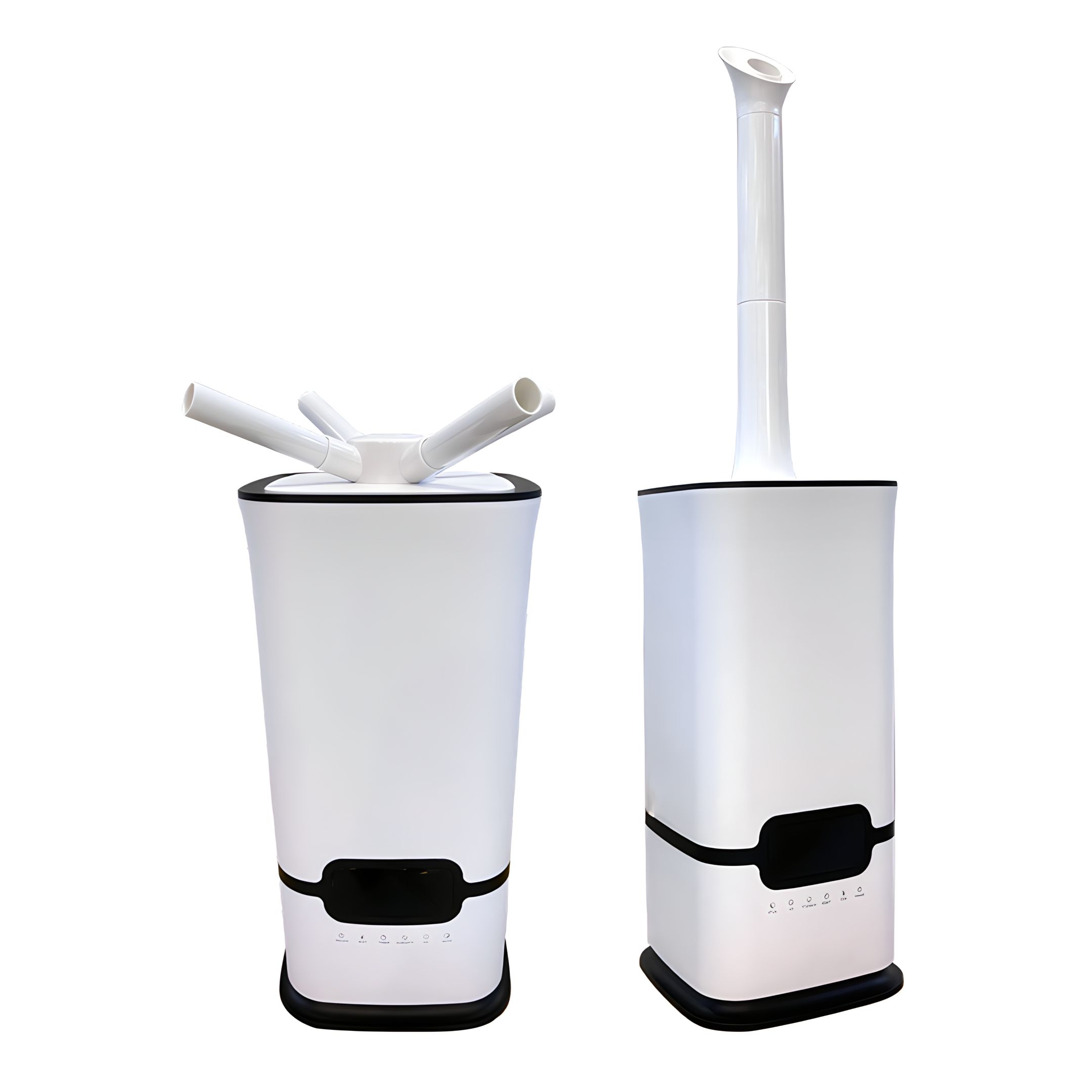
ecoQ HumidAir U1500 Step-by-step guide for setting up and using your ecoQ HumidAir U1500 humidifier. Includes mist levels, humidity settings, UV-light function, cleaning instructions, and safety tips to ensure optimal indoor air quality and long-lasting performance. -
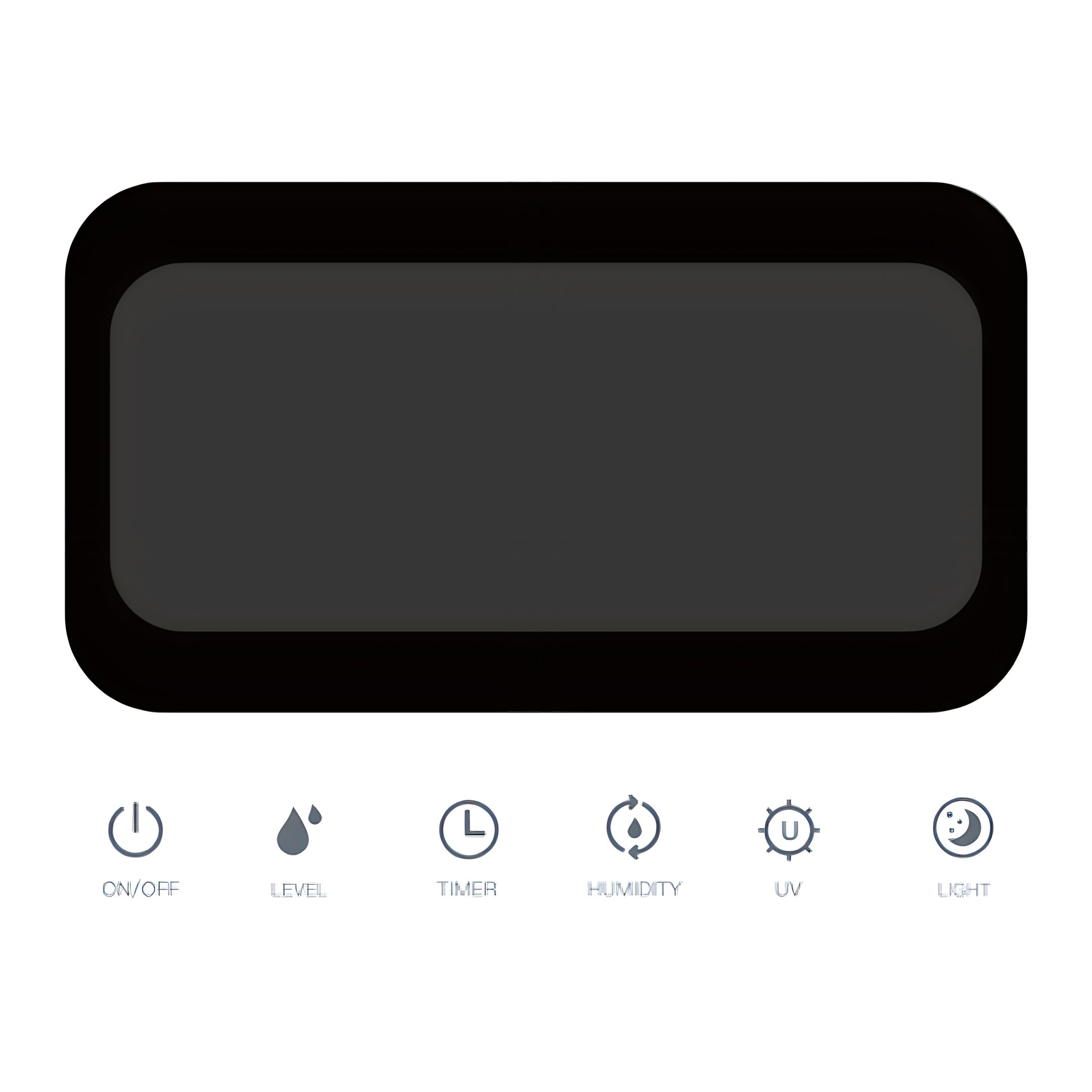
Functions 1. Control Panel -
2. Power ON/OFF
- Press to power the device on or off.
- Default start: Display indicates the room temperature; default mist level is “3”.
-
3. Level
- Press the “LEVEL” button to choose levels 1–3. Level 3 is the maximum output.
-
4. Off-Timer
-
The timer can be set from 1–12 hours. After 3 seconds, the unit enters timer mode. When the chosen time has passed, the unit will turn off automatically.
-
Press the power button to restart.
-
5. Set Humidity
-
When the “HUMIDITY”-Button is pressed, target humidity will increase in 5%-steps between 40% - 90% relative humidity (RH).
-
Press until 90% RH. Press again to cancel the humidity setting.
-
When the set target humidity is reached, the device will stop producing mist, the fan will stop after 10 seconds, as will the UV-light.
-
6. UV
- When the humidifier is turned on, press “UV” to turn on UV-light. Press one more time to turn it off again.
- If the water tank is empty, the UV-light will turn off automatically.
- When water is refilled before auto turn-off (15 seconds), the UV-light will remain working.
-
7. Sleep Function
- Press “LIGHT”-Button to start sleep mode, press any button to wake up.
This mode functions also as a different kind of auto-mode:
- The level of mist will automatically be adjusted according to the environmental humidity.
- When the current humidity is less than 55% RH, the unit sets the mist level to maximum, when the current humidity is between 55-65% RH, the level is set to medium and when the current humidity is between 65-75% RH, it will be set to minimum mist level.
- When the ambient humidity exceeds 75% RH, the unit will stop humidifying.
-
8. Important Information Water shortage: In working state, if water tank is empty, the humidifier will stop producing mist, fan will stop after 10 seconds, a beep will sound 3 times and then turn off after 15 seconds.
-
Operating Instructions 9. Getting Started and Safe Use
-
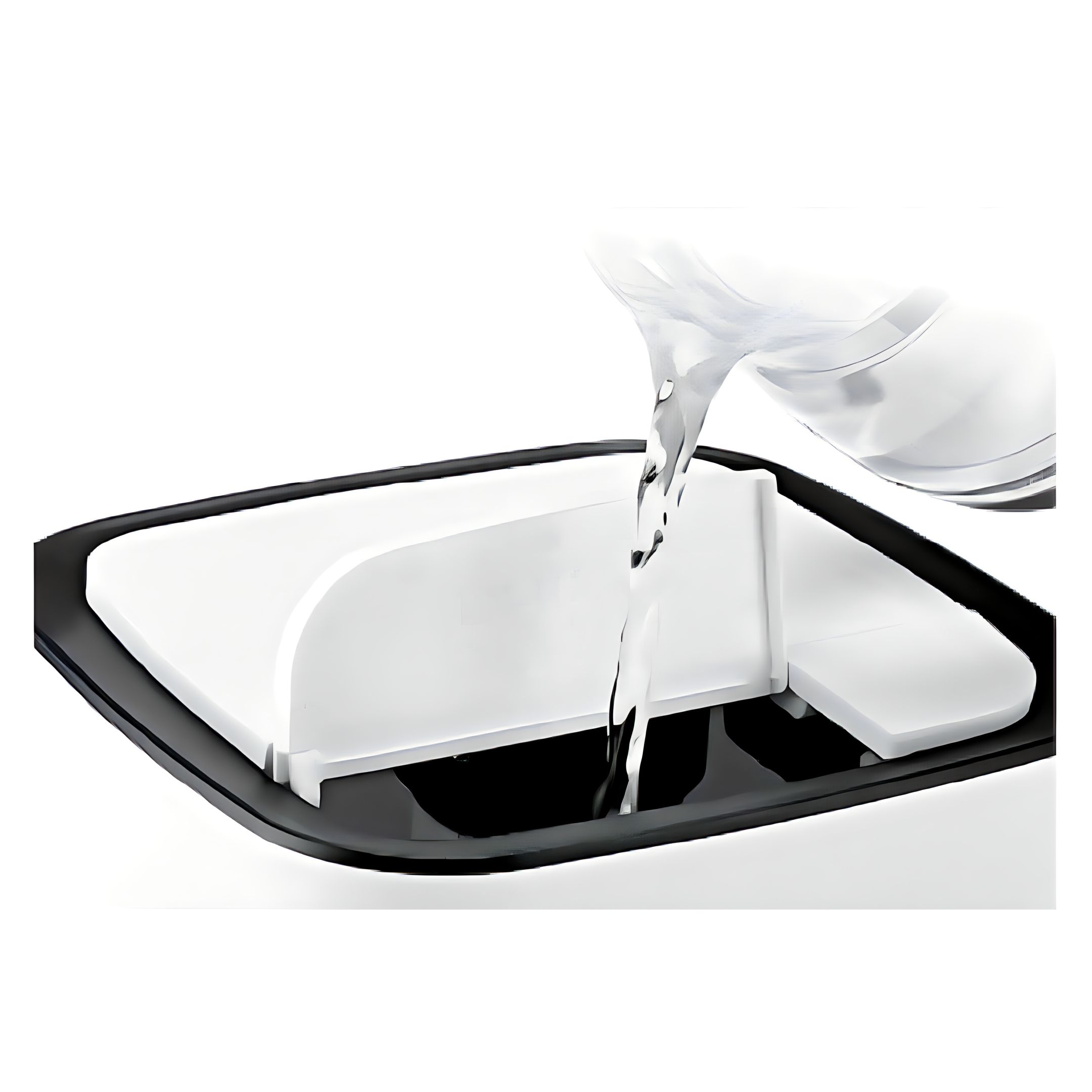
It is recommended that the unit is not plugged into the mains when filling with water – switch off and unplug.
-
Place unit on a smooth level surface that can support the unit when filled with water. Lift and remove the top small cover.
-
Fill with DISTILLED water if you are in a hard water area. DO NOT use hot water. DO NOT add fragrance or oil to water – it will cause unit to malfunction.
NOTE: The unit has wheels due to the weight when filled. Please use the wheels and do not carry the unit.
CAUTION: When the unit is filled, it is heavy.
-
Plug in power source and press the Power button – the display will illuminate.
-
To adjust mist intensity, press LEVEL-button until desired level is reached.
-
If the red indicator light illuminates after powering on, either the unit is out of water or tank is not properly aligned (see trouble shooting).
-
Use the multiway directional nozzle to help disperse the mist. Ensure mist is directed away from walls and furniture.
-
Pay attention to the water level – add water when low (red indicator light illuminates when water is out).
-
The UV-light (ultraviolet lamp) in the base of the humidifier when turned on will kill bacteria and germs that might be present in the water to ensure that the mist is as clean as possible. Never try and look directly at an ultraviolet lamp when in use as it could damage your eyesight.
-
10. Maintenance
-
Always empty the tank if not planning to use for a few days.
-
DO NOT clean whilst the unit is switched on. Turn off power and unplug.
-
Clean and rinse the water tank and mist nozzle with lukewarm water frequently to avoid mineral buildup.
-
If the water tank is extremely dirty, soak with a mild bleach and water solution and rinse clean.
-
DO NOT use cleaning detergents or chemicals to clean the tank or base. Detergent dissolved in the water supply can interfere with the mist output.
-
Wipe the exterior of the body with a damp cloth.
-
Keep the nebulizer and water sensor free of mineral deposits. Remove water tank and empty the reservoir. Clean the nebulizer and sensor with a soft brush (i.e. provided brush or toothbrush).
-
Never immerse the base in water or let water enter the air outlet or other openings.
-
DO NOT spray water or any liquid onto the controls.
-
DO NOT scrape the nebulizer or water sensor.
-
DO NOT clean with tools that have metal parts.
-
DO NOT leave water to sit in the tank for more than a couple of days as it may cause bacterial growth.
-
11. Storage
-
When not in use, store in a cool, dry location. To prevent dust and dirt, use the packaging to repack the device.
-
Follow the maintenance instructions.
-
If water is left in the unit during storage, it may harden and leave deposits that may affect the unit from operating properly. Remove all water from tank and base and let dry before storage.
-
Leave the cap of the water tank loose. This will prevent the cap and gasket from sticking together and prolong the life of the gasket.
-
Troubleshooting 12. Display off, fan not working, no mist
- Reason: Power not connected or outlet has no power
- Solution: Plug into a different power socket
-
13. Display on, fan not working, no mist
- Reason: Too much water in base
- Solution: Remove some water from the base and restart
-
14. Only little mist |
 ecofort.ch