
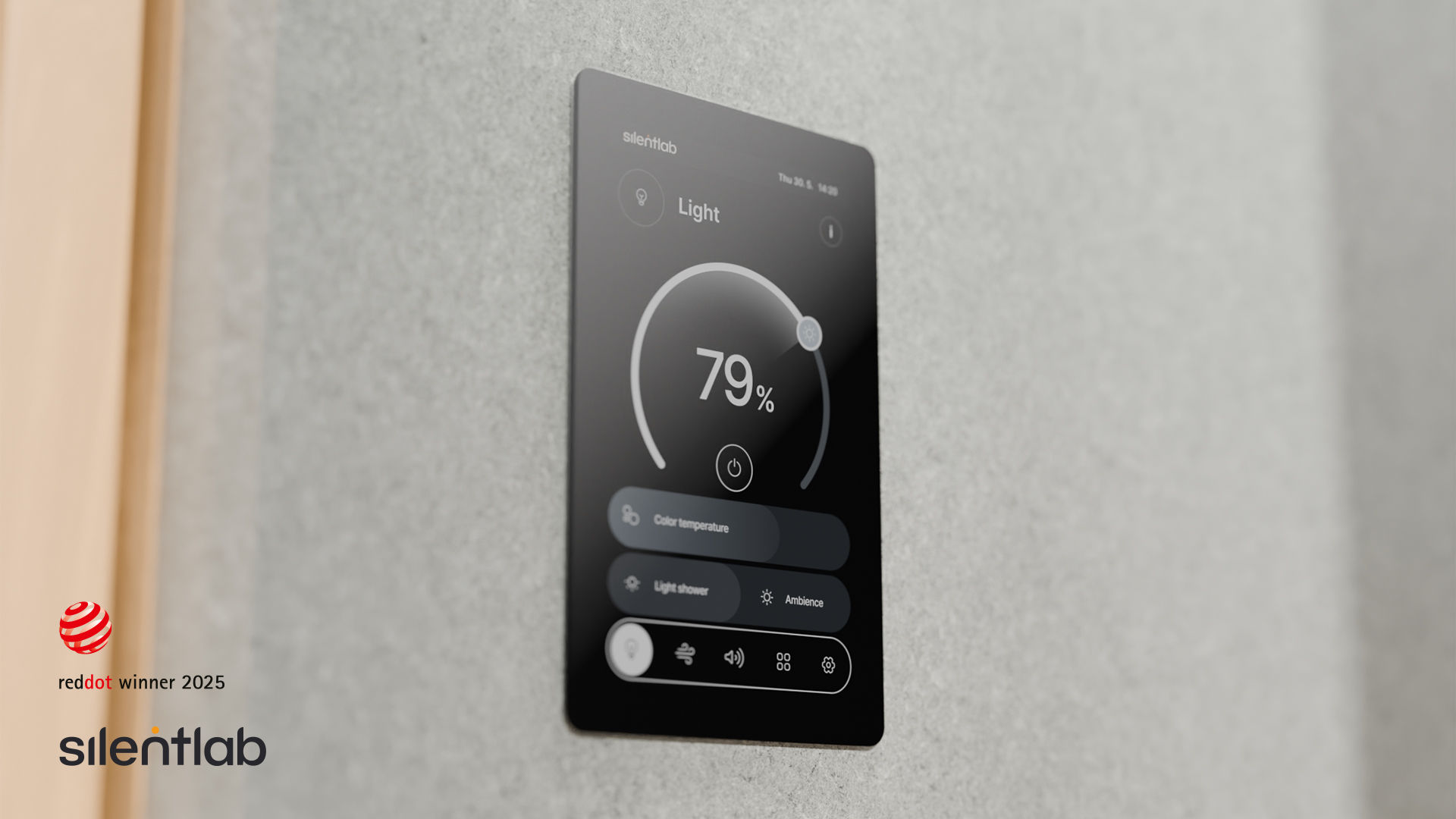

1. Display Installation
-
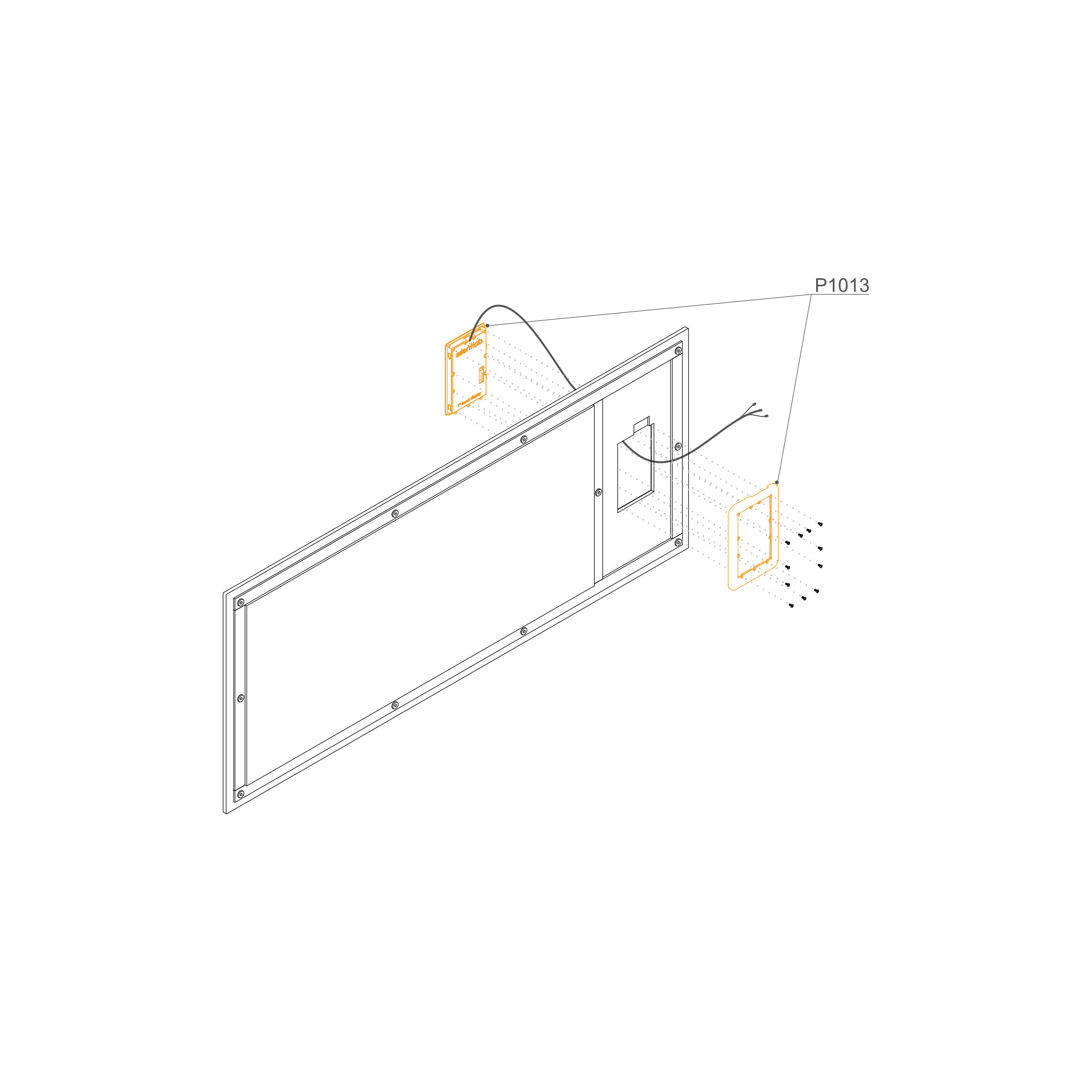
Unpack the Components: Carefully open the packaging and identify the display unit (P1013)
-
Disassemble the Housing: Using a screwdriver with a Torx bit, remove the rear frame from the display unit to prepare it for mounting.
-
Feed the Cables: Locate the cutout in the upholstered internal panel. Gently pull all display cables through the hole from the front (upholstered side) to the back.
Note: Ensure the cables are oriented upwards as shown in the diagram.
-
Seat the Display: Insert the display unit into the cutout on the upholstered side of the panel until it sits flush against the surface.
-
Mount the Rear Frame: From the back of the panel, align the rear frame (P1013) with the back of the display unit.
-
Fasten the Bolts: Insert the provided bolts through the frame and into the display housing. Tighten them securely to sandwich the upholstered panel between the display and the rear frame.